
TikTok, reels and AI assistants
Can ChatGPT watch TikTok videos and Instagram reels?
Not reliably from a link. When you paste a TikTok or reel link, an assistant can usually read the page’s text, like the caption, but not what’s said in the video. Munvi, an Android app, writes down every video you save to it (what’s said, the text on screen and the caption), and its connector lets ChatGPT or Claude read those notes and answer from them.
 Free to start · Android
Coming soon to iPhone. Join the waitlist
How it works
Three steps, and you never leave the app you were in.
- 1
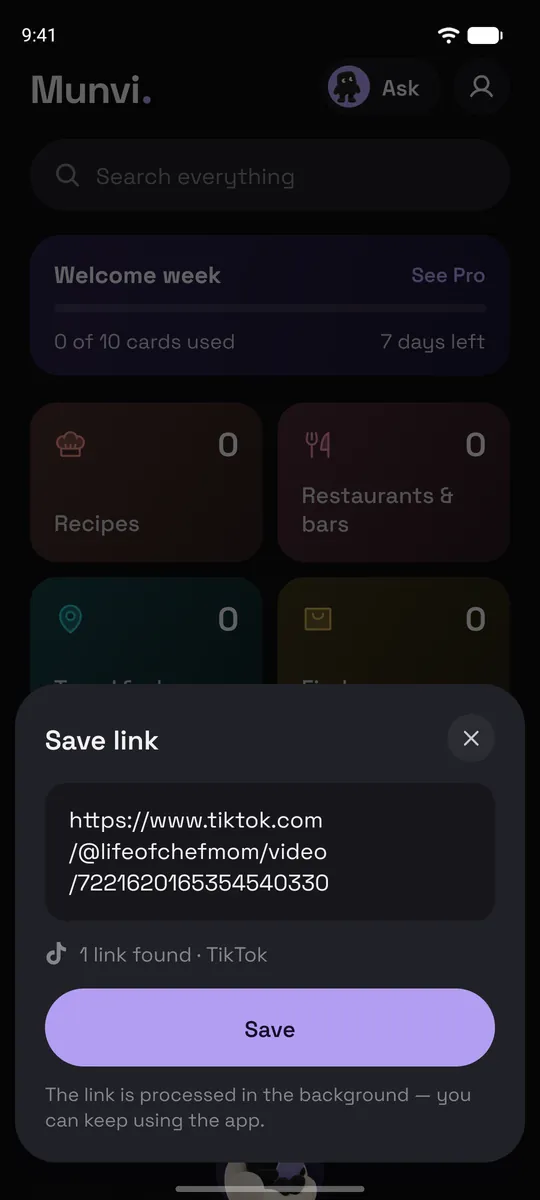
Share it to Munvi
In TikTok or Instagram, tap Share and pick Munvi. On Android the app doesn’t even open: you keep scrolling, and a notification tells you when the card is ready, usually in about a minute. You can also paste a link inside Munvi.
- 2
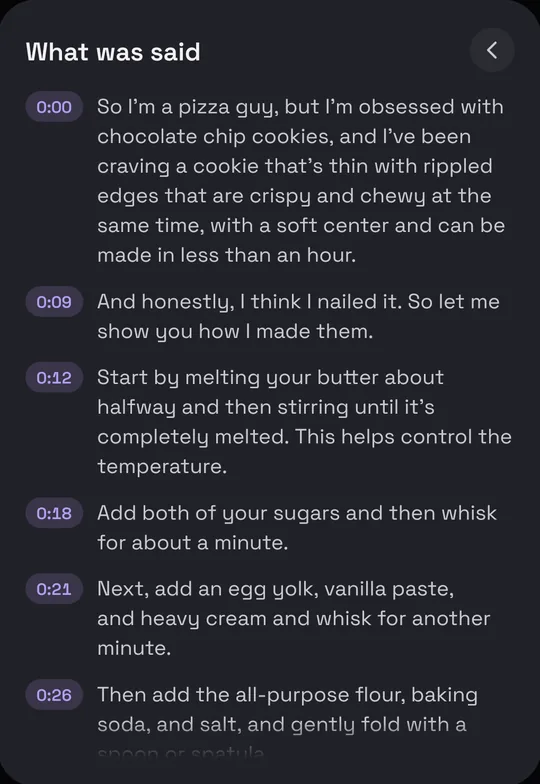
Munvi writes down the video
Every saved video gets a transcript with the minute of each line, plus a card with what matters in it: the recipe, the workout, the places, the key points.
- 3
Ask about it
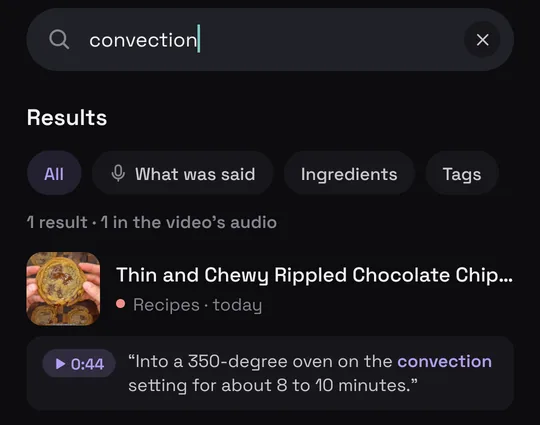
Ask Mun inside the app about one video or your whole collection. Or connect Munvi to ChatGPT or Claude once, and ask there: “plan two dinners from the pasta TikToks I saved” or “what does she say about the dough in that bread video?”
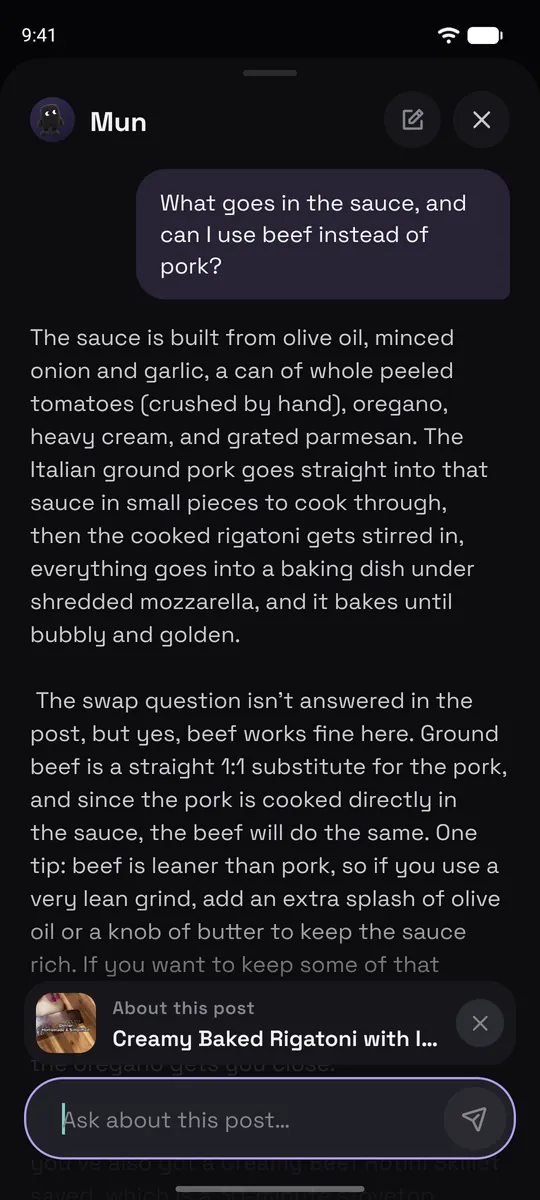
Screens from the Munvi app for Android.
What an assistant can read through Munvi
The connector lets the assistant read your collection. It changes nothing unless you turn that on for it.
What was said in every video you saved, line by line.
The cards: recipes with ingredients and steps, workouts with sets, how-tos with materials, the key points of everything else.
Your places, with addresses, for planning a day or a trip.
Your folders, including folders other people share with you.
Good to know
- The ChatGPT and Claude connector is part of Munvi Pro. Asking Mun inside the app works on the free plan, with 3 questions a week after the first week.
- In ChatGPT, adding a custom connector needs a paid plan; Claude’s free plan allows one custom connector.
- The assistant only sees posts you saved to Munvi, not your TikTok or Instagram account.
- Android only for now.
Questions
Why can’t ChatGPT see what’s in a TikTok from the link?
A link is a web page. What an assistant gets from it is mostly text: the caption, maybe the title. The words spoken in the video aren’t written on the page, so a recipe or a tip that is only said out loud never reaches it.
How do I connect Munvi to ChatGPT?
On chatgpt.com, open Plugins, tap Add, then Add custom MCP server, paste https://mcp.munvi.app/mcp and sign in with your Munvi account. Our guide has every step, for Claude too.
Can I ask about one video without ChatGPT?
Yes. On any card, ask Mun about that post: it answers from the card and from what was said in the video.
Can ChatGPT change or delete my saves?
Not unless you let it. The connection starts read-only; you can let it save and organize posts in Settings › Connected assistants, and turn that off any time.
Is Munvi on iPhone?
Not yet. Munvi is on Android now, and the iPhone version is being built. Leave your email at the bottom of this page and we’ll write once, when it’s out.
The next one you save, you’ll actually use.
Free to start · Android