You keep scrolling.Munvi takes notes.
Share a reel, a TikTok or any link with Munvi. It watches the video and writes down what’s inside: recipes workouts places finds how-tos. Then it files each one in the right folder, ready for when you need it.
Android app · Free to start · No card needed
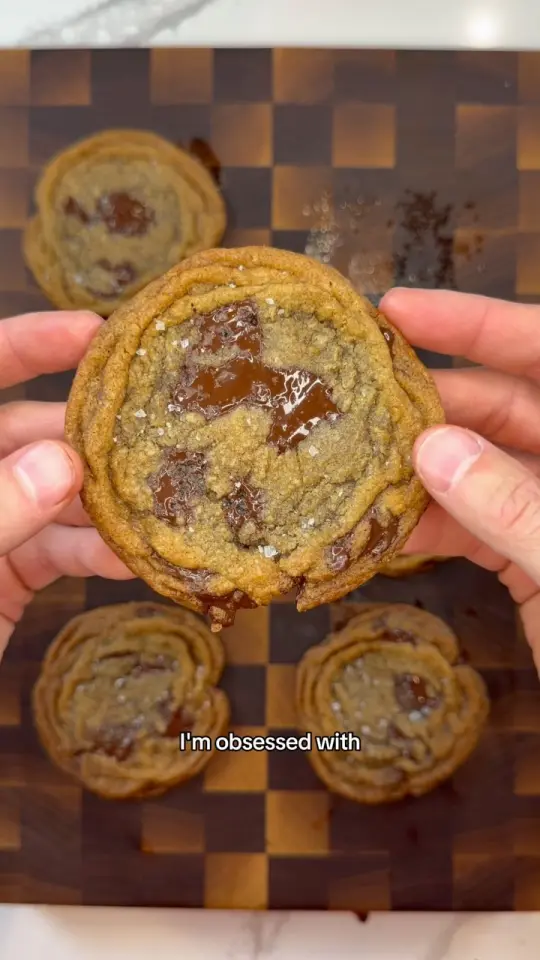
Thin and Chewy Rippled Chocolate Chip Cookies
@davespizzaoven
Recipes10 stepsIngredients11Melted salted butter113 gDark brown sugar140 gWhite sugar70 gEgg yolk1Thin and Chewy Rippled Chocolate Chip Cookies
@davespizzaoven
Recipes10 stepsIngredients11Melted salted butter113 gDark brown sugar140 gWhite sugar70 gEgg yolk1Joint-Friendly Standing Full Body Workout
@b.palmer_
Workouts5 exercisesExercises5Calf raises20 repsBodyweight squats20 repsOblique crunches20 per sideGood mornings20 repsJoint-Friendly Standing Full Body Workout
@b.palmer_
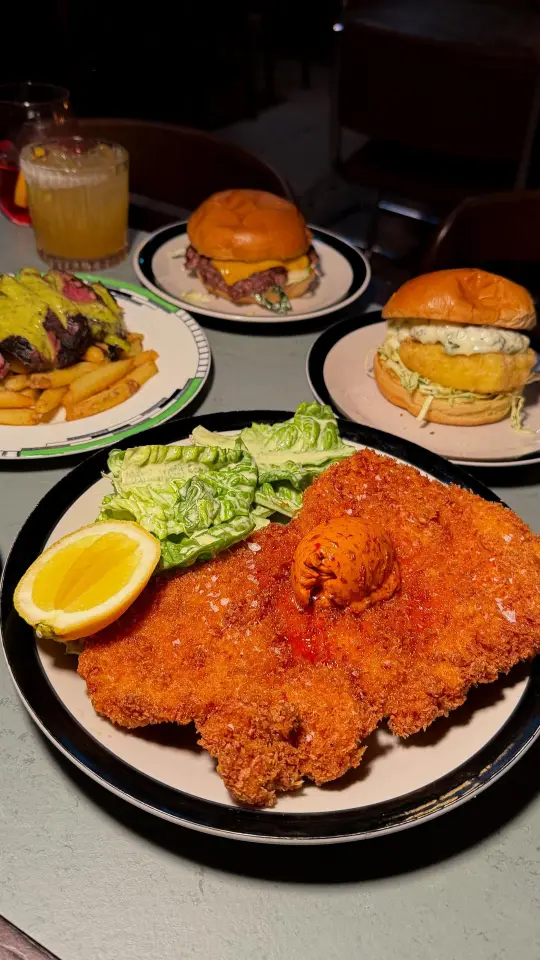
Workouts5 exercisesExercises5Calf raises20 repsBodyweight squats20 repsOblique crunches20 per sideGood mornings20 reps5 London Pubs with Incredible Food
@aton_of_food
RestaurantsLondon1The MacbethHoxton2The Marquee MoonDalston3Prince of PeckhamPeckham5 London Pubs with Incredible Food
@aton_of_food
RestaurantsLondon1The MacbethHoxton2The Marquee MoonDalston3Prince of PeckhamPeckham

Three saves, as they arrive. Each card is written from the video itself: what’s said, what’s on screen and what’s in the caption.
- Works with
- TikTok
- YouTube
- X
- Google Maps
- Any website
- Screenshots
The Saved tab
You have 847 saved posts.You’ve gone back to four.
Saving is easy. Finding it again means scrolling a grid of thumbnails with no titles, no search and no order. The thing you meant to try is gone by the time you need it. Munvi turns every save into something you can read, search and use, and the ones already piled up come over from your Instagram export.








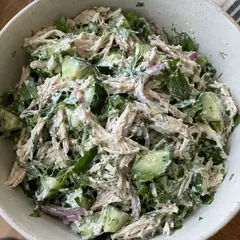

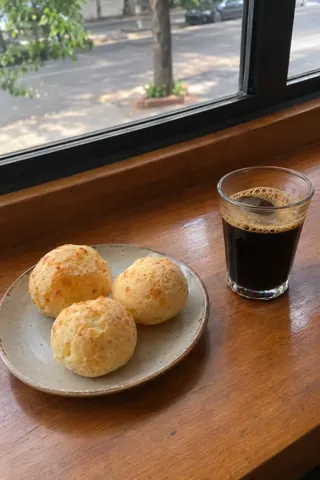
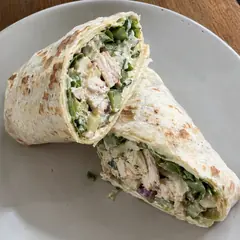
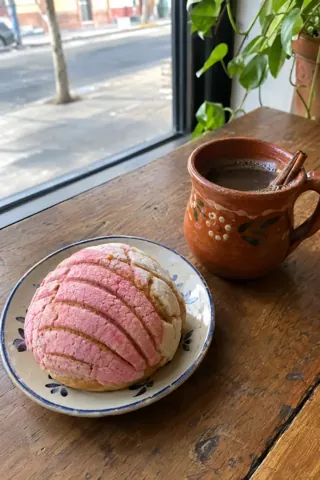

 Munvi.
Same saves, sorted. Munvi picks the folder for each one, and offers a new folder when a theme starts piling up.
Instagram import
Bring every saved postin one go.
The posts you already saved don’t stay behind. Munvi reads the file Instagram exports and sorts it all into folders, with search, down to what you saved years ago.
- 12 minutes
Ask Instagram for the file
In Accounts Center, export only “Saved”, for “All time”. Instagram emails you the file.
- 2No password
Pick the file in Munvi
The app reads only your saves list, even from a file of several gigabytes. No password: Munvi never signs in to your account.
- 3Searchable
Everything lands in folders
Your collections become folders and the rest is sorted by theme. Open a post to make its full card.
TikTok favorites come in too, from TikTok’s data file.
How it works
Saving takes one tap.You don’t even leave the feed.
- 1One tap
Tap share, pick Munvi
From Instagram, TikTok, YouTube, Google Maps or any browser.
- 2About a minute
Keep scrolling
On Android the app doesn’t even open. Munvi watches the video in the background.
- 3Nothing to sort
The card arrives
A notification says it’s ready: written, and already in the right folder.
Try it
Search real posts,even what was said.
These are public posts saved in Munvi, credited to whoever made them. The search is the app’s own: it finds a post by its title, ingredients, summary and what was said in the video.
What do you save most?
Public posts in English, saved in Munvi and credited to the people who made them.
1 post
- 5 London Pubs with Incredible Food
“But whatever you do, please make sure you save some room for dessert because their sticky toffee pudding is iconic.”
Restaurants · @aton_of_foodsaid at 1:26
What it writes
It watches the whole video,not just the caption.
The amount said out loud, the text that flashes on screen, the link in the description: it all lands on the card, in the shape that fits the post, and every line says where it came from, with the minute in the video. The full transcript comes along, and search finds what was said.
Thin and Chewy Rippled Chocolate Chip Cookies
@davespizzaoven · See the original post
Joint-Friendly Standing Full Body Workout
@b.palmer_ · See the original post
Repeat each move for 2 to 4 sets
5 London Pubs with Incredible Food
@aton_of_food · See the original post
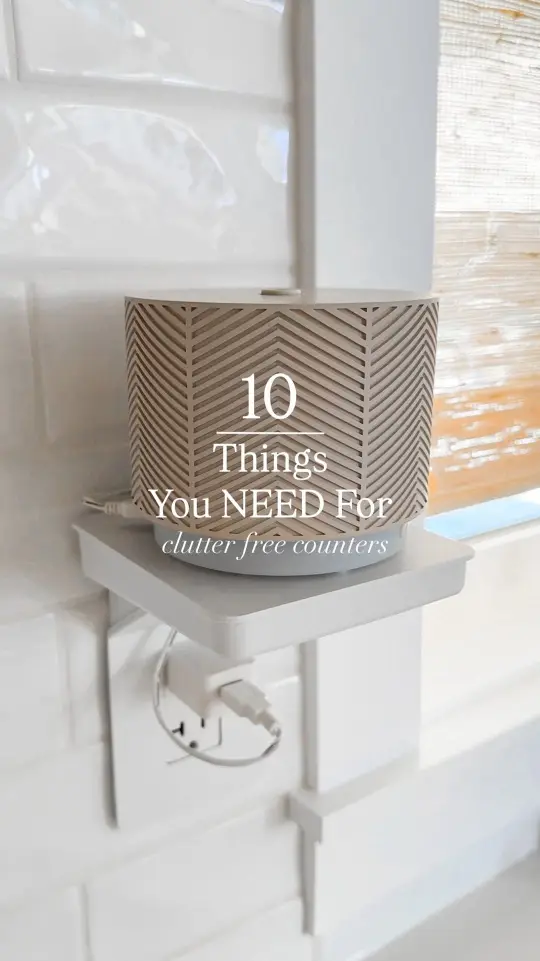
10 Organization Items for Clutter-Free Counters
@sarah.colussi · See the original post
After the save
A lot more thana save button.
Find it by what was said. Search “sticky toffee” and get the video where they talk about that pudding, at 1:26, even when it’s not in the title.
Ask Mun. Mun answers from your saves only, shows which ones, and says so when it finds nothing. It’s an AI and can get things wrong, so the card is one tap away.

Step by step, hands free. Cook mode and workout mode show one step at a time, keep the screen on and run the timers, which ring even with the phone locked.
Every place on one map. The restaurants, cafés and trips you saved, pinned, by city or near you. Directions open in Google Maps or Waze.

Your saves in Claude and ChatGPT. Connect Munvi once and ask them about what you saved. They only read, never change a thing. Part of Pro.
Send it to anyone. One link. Whoever gets it sees the card and saves it to their own Munvi with one tap.
Folders that fill themselves. Munvi files every save, and offers a new folder when several posts in Unsorted share a theme.
Events in your calendar. Saved a post about a show? Munvi notes the date, the time and the tickets, adds it to your calendar and reminds you.
Shared folders. You both see and save to the trip’s folder, and the rest stays yours. Or send the folder as a numbered list with a map.
Any language in, yours out.
A reel in Italian, a card in English.
One shopping list.
Three recipes, amounts added up.
Works with no signal.
Your collection lives on your phone.
Screenshots too.
A photo of a menu is a save, and its text is searchable.
Remind me later.
A reminder for tonight, the weekend or the day you pick.
Your note on every card.
Write down what you changed, with a photo of how it turned out.
X and Pinterest too.
Posts, articles and pins, read in full.
The video stays on top.
It keeps playing while you read the card.
Your week, summed up.
What you saved this week and what you haven’t opened yet.
Near me.
The map shows what you saved near where you are.
Macros for every recipe.
Protein, carbs and fat per serving, on Pro.
Ask about one post.
A question about a video, answered from its card and what was said in it.
Private by design
Your savesare not a profile.
No followers, no feed, no public likes. Nobody sees what you saved unless you send them the link.
Only you see your collection.
There is no public side to Munvi. Not even a username.
Read the privacy policyTake it all with you.
Export every card, note and link as one file, whenever you want.
How export works
FAQ
Questions, answered.

What does Munvi do?
Munvi is an app that saves the posts you share to it (Instagram reels and posts, TikToks, YouTube videos, X posts, Pinterest pins, web pages, Google Maps places and screenshots) and organizes them. It reads each one and writes a card you can search and use: a recipe with its ingredients, a workout with its sets, places pinned on a map, or the key points of anything else. Then it files the card in the right folder.
Which links work?
Instagram reels, carousels and photos; TikTok videos and photo carousels; X posts, videos and articles; Pinterest pins; YouTube videos up to an hour long; places from Google Maps; any web page, from recipes to blogs, articles and stores; and screenshots or photos from your gallery.
Does it work on iPhone?
Not yet. Munvi comes to Android first, and the iPhone version follows.
How much does it cost?
Nothing, while Munvi is in early access. A Pro plan for people who save a lot will come later, and the free plan stays.
Can I send a save to someone without Munvi?
Yes. Share it as a link: whoever opens it sees the title, the cover and a preview of the card, and can save the whole thing to their own Munvi with one tap.
Does Munvi keep event dates?
Yes. When a post announces a show, a fair, an exhibition or a course, the card gets the date, the time, the place and the ticket link. One tap puts the event in Google Calendar or another calendar app, Munvi reminds you before, and the app’s Agenda lists what is coming up.
Can I share a folder?
Yes, two ways. Invite someone to a folder and you both see it and save to it, like a trip plan or a gift list; the rest of your collection stays yours. Or turn on the folder’s public link: whoever opens it sees the posts, a summary of each and a map of the places, in a list you can number, without needing the app.
Do I have to open the app to save?
No. On Android, sharing is saving: Munvi works in the background and sends a notification when the card is ready. You stay in Instagram, TikTok or wherever you were.
Is it only for recipes?
No. Recipes are where Munvi goes deepest, with ingredients and amounts, steps and cook mode, but it reads any post. Workouts get their sets and reps, places get a pin on a map (with the price range, when the post gives one), and everything else gets its key points, the links it mentions and what showed up on screen.
What language does it write in?
Yours. Munvi writes each card in the language you use the app in (English, Portuguese or Spanish), whatever language the video is in.
Who can see what I save?
Only you. Munvi has no public profile, no followers and no feed, and a card leaves your collection only when you send someone its link. To write the card and answer your questions, AI models read what you saved: Google Gemini, OpenAI’s GPT and an open model hosted by DeepInfra. None of them trains on your data. The privacy policy has the details.
Does Munvi transcribe videos?
Yes. Every saved video gets a transcript of what was said, with the minute of each line, and Munvi also reads the text on screen and the caption. On the card, every ingredient and step says where it came from, and a tap on its minute takes the video there. Search finds a word said in a video, and you can ask a question about one post: Mun answers from what was said in it.
Can I set reminders?
Yes. On any post, pick when it comes back: tonight, this weekend or a day and time of your own, and a notification brings it back then. Every week, Munvi also sends a summary of what you saved and what you haven’t opened yet.
Can I import what I already saved?
From Instagram and TikTok, yes. Munvi reads the data file each one sends (Instagram’s saved posts, TikTok’s Favorites), sorts everything into folders by caption for you to review, and makes a full card of any post when you ask. Not from Pinterest or other apps yet: posts from there come in one at a time, shared to Munvi.
The next thing you save,
you’ll actually use.
Free · Coming soon to Android · iPhone later